AI Modes
The sequencer can run in three different modes. Simple is the deterministic probabilistic engine described under Controls. Muse and Duet use Orbiter's neural sequencing model — Muse plays on its own, Duet responds to what you play.
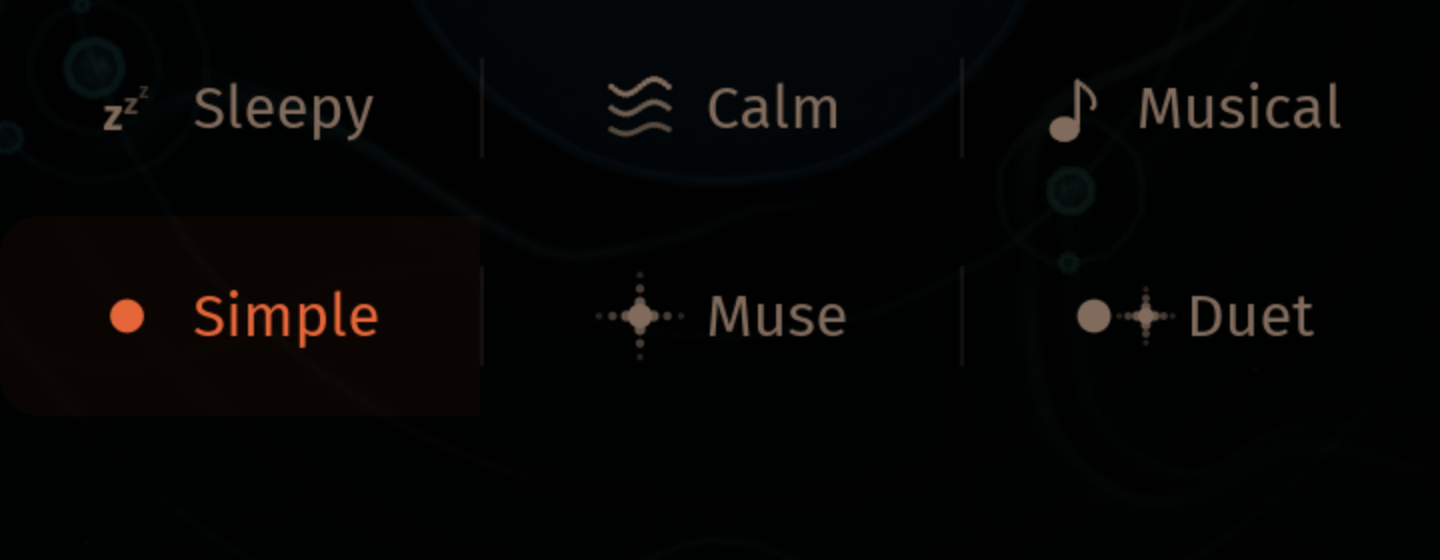
Modes
The mode picker is the second row of icon buttons under the AMBIENCE row at the bottom of the Orbit view, and is also available in the Sequencer panel under the SEQ tab. Selecting any mode while playback is stopped also starts playback.
- Simple — deterministic patterns driven by the standard sequencer parameters (per-instrument probability, burst rate, scene preset). The same seed always produces the same sequence. This is the default and does not appear as a query parameter in the page URL.
- Muse — the AI model generates notes on its own, taking the current scale and tempo as context. Encoded as
?seq=musein the URL. - Duet — you play notes (on the pads, via MIDI, or from the on-screen controls) and the model responds with complementary phrases. Your trigger notes are silenced — only the model's response is heard, so the input acts purely as a prompt. Encoded as
?seq=duetin the URL.
Switching modes is non-destructive: tempo, scale, and instrument settings stay where they are, only the source of the notes changes. The active mode is also synchronised across collaborative sessions.
Muse controls
When Muse is selected, four extra controls appear next to the mode picker:
| Control | What it does |
|---|---|
| Variety | How adventurous the model's output is. Lower values stick closer to predictable, on-scale phrases; higher values explore more unusual choices. |
| Continuous / Motif | Continuous (~) keeps generating endlessly. Motif (>) generates short phrases with breathing space between them. |
| Scale / Chromatic | Scale (S) snaps every output note to the currently selected scale. Chromatic (C) lets the model use any note, including outside-the-scale colour notes. |
| Speed | Clock speed relative to the sequencer tempo: ¼×, ½×, 1×, 1½×, 2×. The 1× setting follows the sequencer's BPM exactly; faster or slower multiplies that. |
These controls also drive the model in the standalone scene presets — Sleepy / Calm / Musical each leave the model in a configuration that fits the mood.
Duet controls
In Duet mode you get the same Variety, Scale / Chromatic, and Speed controls. Continuous/Motif doesn't apply because phrasing is determined by what you play.
A short note appears beneath the controls when this mode is active: Trigger notes are silenced — only AI responses are heard. That's the intended behaviour: play a few notes, the model responds; the trigger notes themselves don't sound, so the dialogue is between you and the response, not you and your own input.