Orbit View
The Orbit view is what you see when you first open Orbiter's web or standalone app.
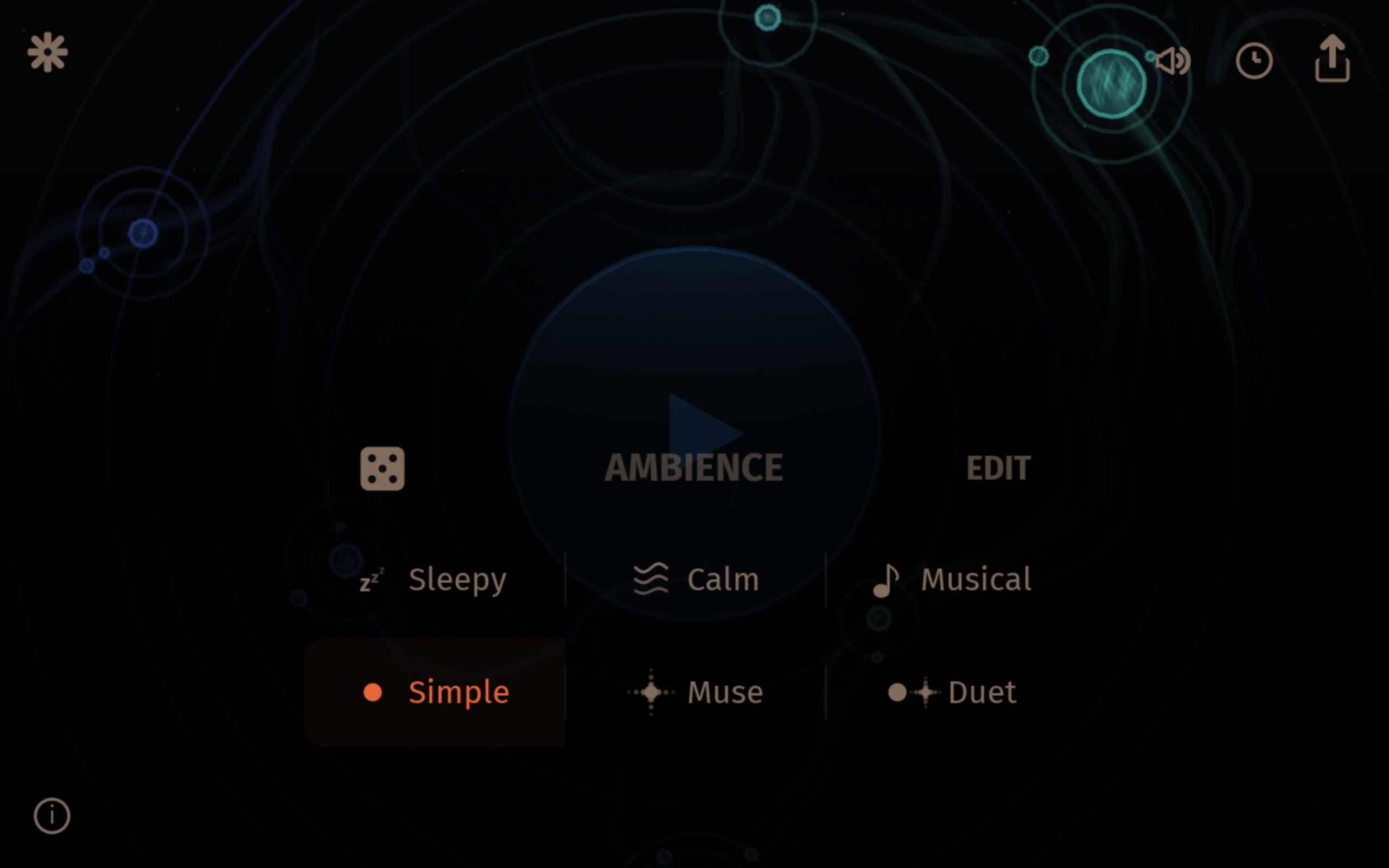
Controls
- Play — tap the sun at the centre of the screen to start playback
- Explore — tap anywhere outside the sun to reveal a bottom bar, then tap Explore to enter the Instruments view
- Settings — tap the settings icon (top-left) to open Audio and MIDI settings
- Volume — tap the volume icon (top-right) to adjust the master volume
- Share — tap the share icon (top-right) to copy a shareable URL
When tempo sync is active (MIDI Clock, Ableton Link, or internal clock sending), the current BPM is shown next to the settings icon.